AI can feel like magic, but it’s not mind-reading. The quality of what you get out depends on the clarity of what you put in. That’s where prompting comes in. Think of it like giving instructions to a very smart assistant: the clearer you are, the better the results.
This guide walks you through a simple framework to write better prompts and get outputs that are accurate, creative, and useful.
The 5-Part Prompt Technique
1. Task – Be Clear About What You Want.
Start by telling the AI what you want it to do. That includes:
- The role or persona (e.g., “act as a travel blogger” or “act as a professional copywriter”).
- The format of the output (e.g., “give me a bulleted list,” “write a blog post,” “summarize in 3 sentences”).
Example:
Act as a career coach. Summarize the pros and cons of remote work in a bulleted list.
2. Context – Add Background and Details.
The AI works best when it knows who the output is for and why you need it. Context helps shape tone, depth, and direction.
Example:
Write a LinkedIn post explaining the benefits of data analytics. Audience: small business owners who aren’t technical. Keep it friendly and simple.
3. Reference – Show, Don’t Just Tell
If you have examples, provide them. This could be:
- A link or quote from your past work.
- A sample outline or headline you like.
- A style guide (formal, playful, minimal, etc.).
Example:
Write an Instagram caption for this coffee photo. Style: short, witty, and trendy — like this example: “Espresso yourself.”
4. Evaluate – Check the Output
Once the AI gives you a draft, review it:
- Does it sound right for your audience?
- Is the tone correct?
- Are the facts accurate?
If it’s not, don’t settle. Move on to step 5.
5. Iterate – Refine and Improve
Prompting isn’t one-and-done. It’s a back-and-forth. You can:
- Ask the AI to expand or shorten.
- Change the format.
- Adjust tone, focus, or detail.
Example:
Great draft! Now make it sound more casual, cut it to under 100 words, and add an emoji or two.
The takeaway: prompting is a process. It’s about clarity, context, and collaboration with the AI — not just typing a sentence and hoping for the best.
Bonus: Example AI Image Prompt
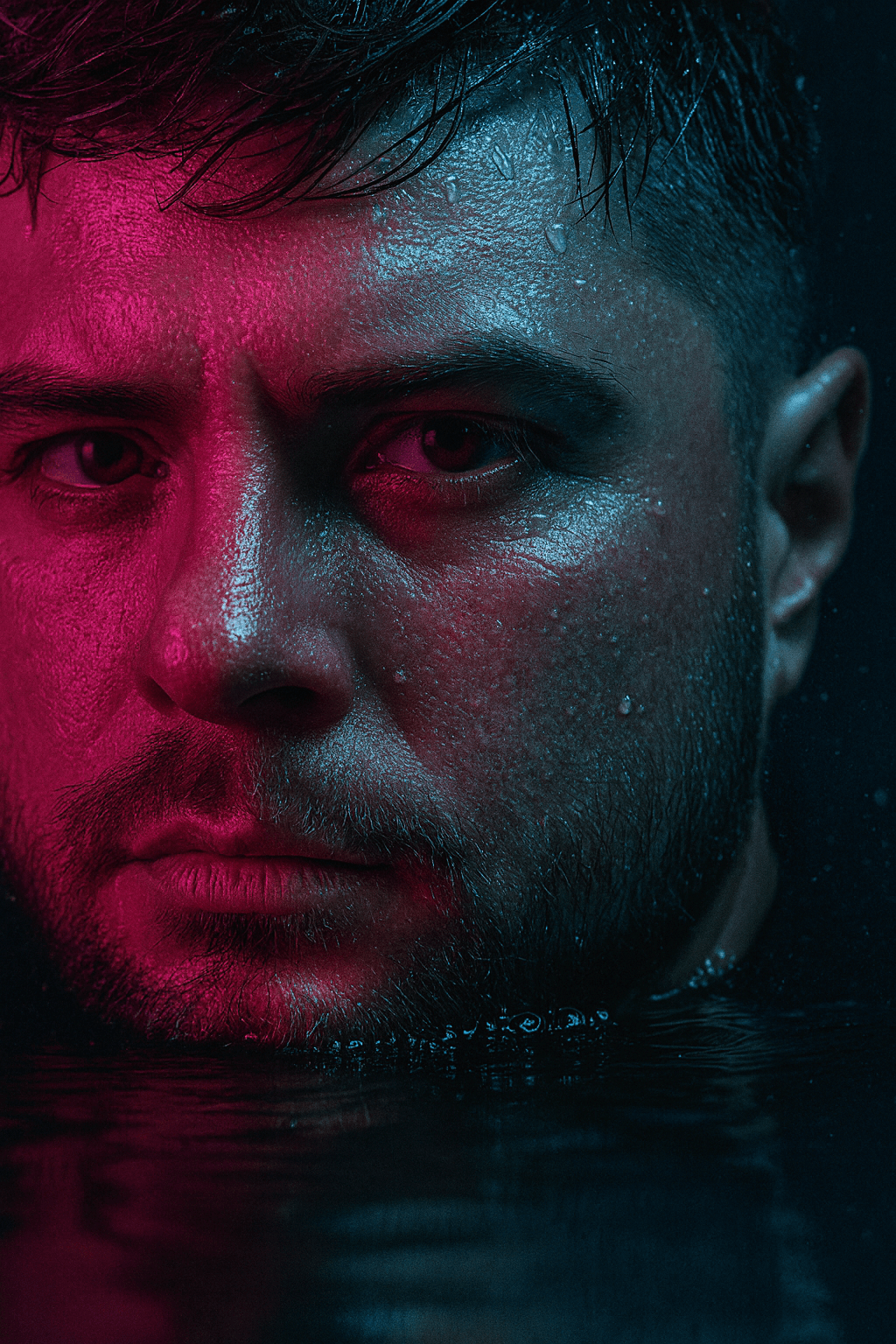
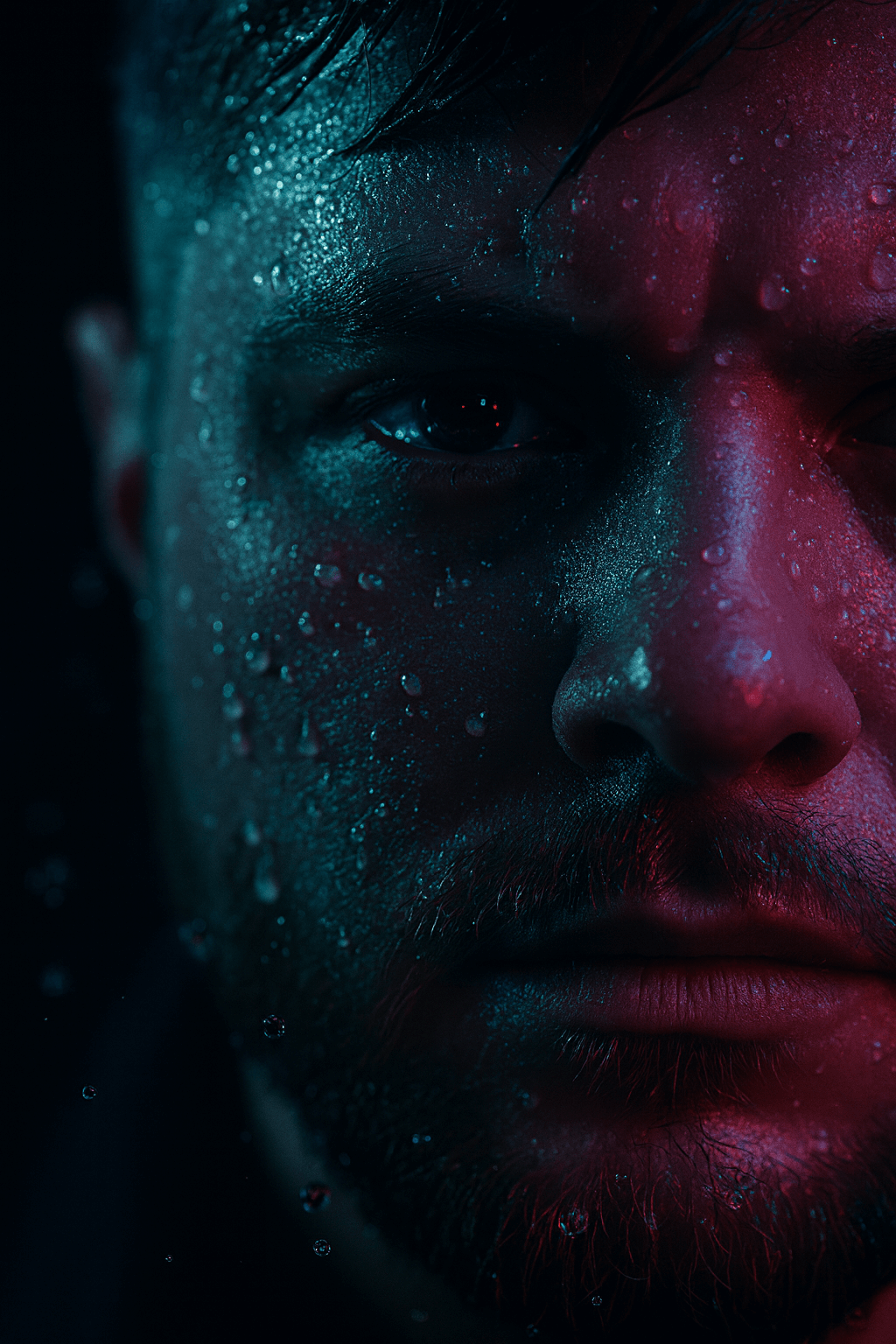
Prompting isn’t just for text — it also works beautifully for visuals. Here’s one creative prompt you can try for a cinematic portrait-style image:
A hyper-realistic close-up portrait of a young man’s face, with only the left half visible and partially submerged in water. The scene is illuminated dramatically with soft, ambient blue and pink neon lighting, casting colorful reflections on his wet skin and damp hair. Water droplets and small bubbles cling to his face, enhancing the cinematic mood. The skin texture, slight beard stubble, and intense eye focus are clearly visible.
A hyper-realistic close-up portrait of a young man’s face, with only the left half visible. The scene is illuminated dramatically with soft, ambient blue and pink neon lighting, casting colorful reflections on his wet skin and damp hair. Water droplets and small bubbles cling to his face, enhancing the cinematic mood. The skin texture, slight beard stubble, and intense eye focus are clearly visible.